01 — PILOT LOG
Hours that stand up to a checkride.
PIC, copilot, dual, instructor, night, IFR, cross-country, landings and approaches. Part-FCL style totals, 90-day currency, medical and revalidation on one strip.
Email and a password, or a Google account. The first flight starts the totals.
These go on your pilot log pages — the stamp that says the hours are yours.

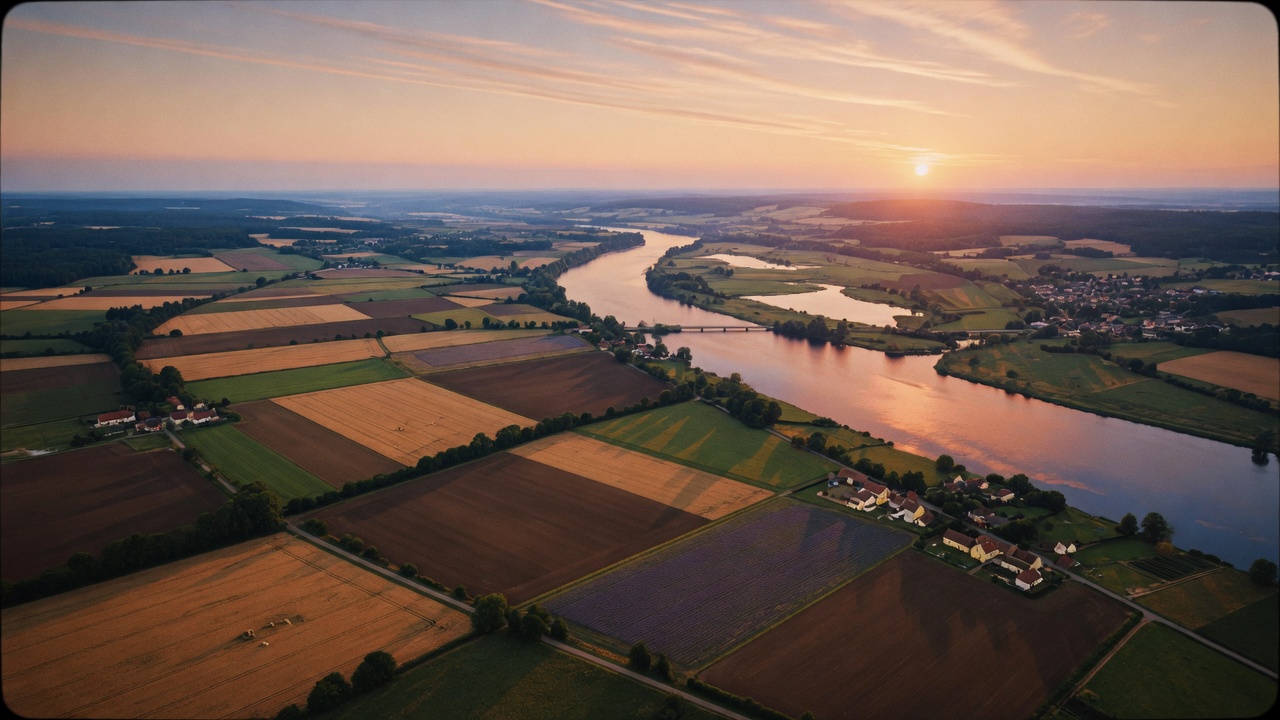
The scenery printed behind your pilot log hours.
The languages you write a log in. Your wall shows those languages. Notes with no words stay visible. Leave this empty to see every language.
Countries you want on your wall. A flight stays if it departs or arrives in one of them. Leave this empty to see everywhere.
Sign as you would at the bottom of a paper page.
The pilot log totals the flights. The aircraft log keeps Hobbs, route and what is due on the registration. A photo stays on the flight it came from.
A flight stays private until you mark it public. This is your record, not an authority log and not a release to service.
PIC, copilot, dual, instructor, night, IFR, cross-country, landings and approaches. Part-FCL style totals, 90-day currency, medical and revalidation on one strip.
Each tail has its own journal: crew, route, block, Hobbs, fuel, defects. See the next 100 h / annual before it becomes a hangar surprise.
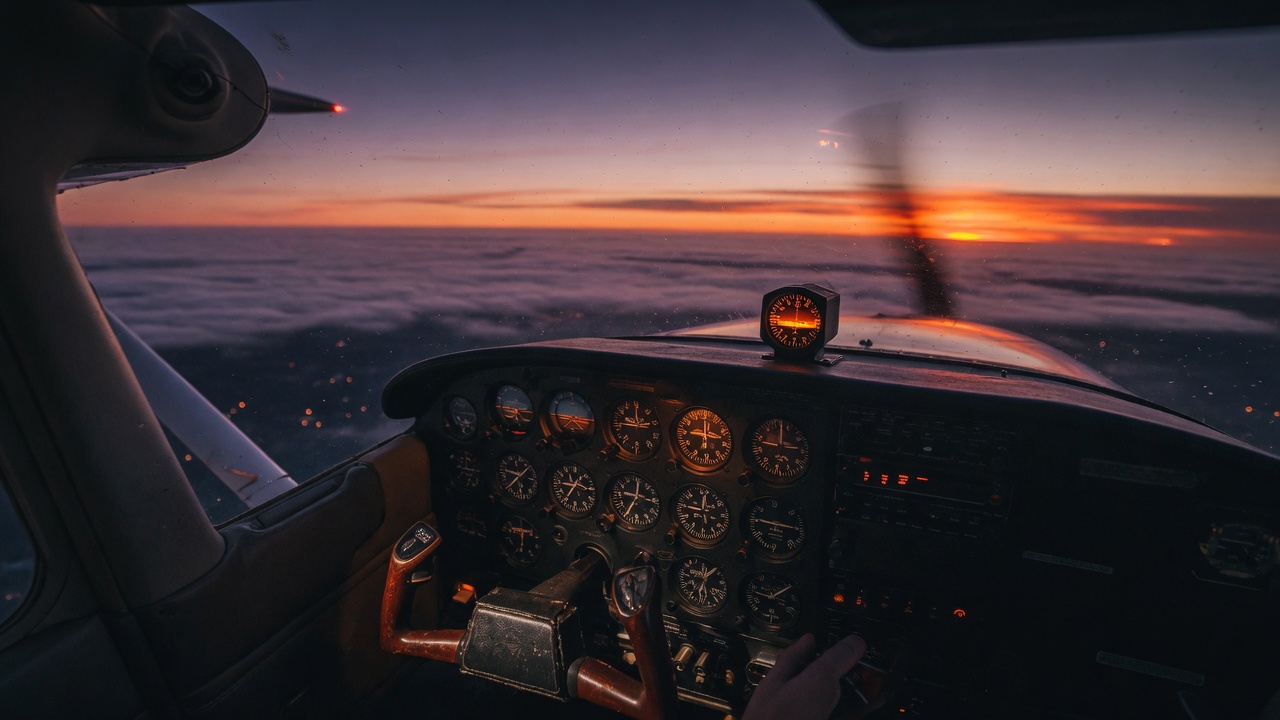
The still from the right seat is tied to date, aircraft and track. Public galleries land on this wall.
From logbooks that were shared. Ranked by likes, comments and how recent the flight is.
Totals update after every entry.
Date, route, aircraft and total time stay. Turn on the rest only if you fly it.
The list, the hour totals, and the class and type strips all use the same flights. Clear the filter to see the whole book.
| Date | Route | Aircraft | Block | Night | Ldgs | |
|---|---|---|---|---|---|---|
| No flights yet. | ||||||
Medical, language, a class rating, passenger landings, or hours on a type. A new requirement can wait out a grace period before it counts as short.
Airframe time, Hobbs and due items belong to the tail.
Select an aircraft to add Hobbs, landings and photos. Totals recompute after every save.
Block, landings, fuel and the entry count add up only the rows that match. Hobbs stays the airframe counter. The Total column on each row stays the landings on the aeroplane after that flight.
| Date | Kind | Crew | Route | UTC off | UTC on | Block | Hobbs | LDG | Total | |
|---|---|---|---|---|---|---|---|---|---|---|
| Select an aircraft card (Journey log). | ||||||||||
Due items live on the aircraft, not in the journey log.
Select Due on an aircraft tile.
Kneeboard cards for this aircraft. A ~ at the start of a block title starts a new card. ~ on a step is bold, ^ is bold red. An empty left side is a centered note.
No cards yet.
What is fitted now. A date in Removed keeps the history and leaves the item off a listing. Serial numbers stay in this book.
Select Equipment on an aircraft tile.
Every flight you photographed, private or public. Newest first. The public wall stays on Home.
OK-KLL · Cessna 172S · scroll and zoom. On approach the globe dissolves into a real chart — ICAO VFR where OpenFlightMaps answers.
OK-KLL · Cessna 172S · PIC Martin Holub · pax Jan Novak
Remarks: nav flight with a stop at Turany, a circuit, and home. Light turbulence over the highlands, otherwise smooth. No defects. Right-seat photos in the flight gallery.
Aircraft, gear, courses, doctors, and other flying work.
One conversation per listing, or a direct note when there is no listing.